The internet has become a part of our day-to-day lives in Nepal. We use websites for government-related procedures and forms, online education, social media, banking related information, Nepali typing, currency rates, and more.
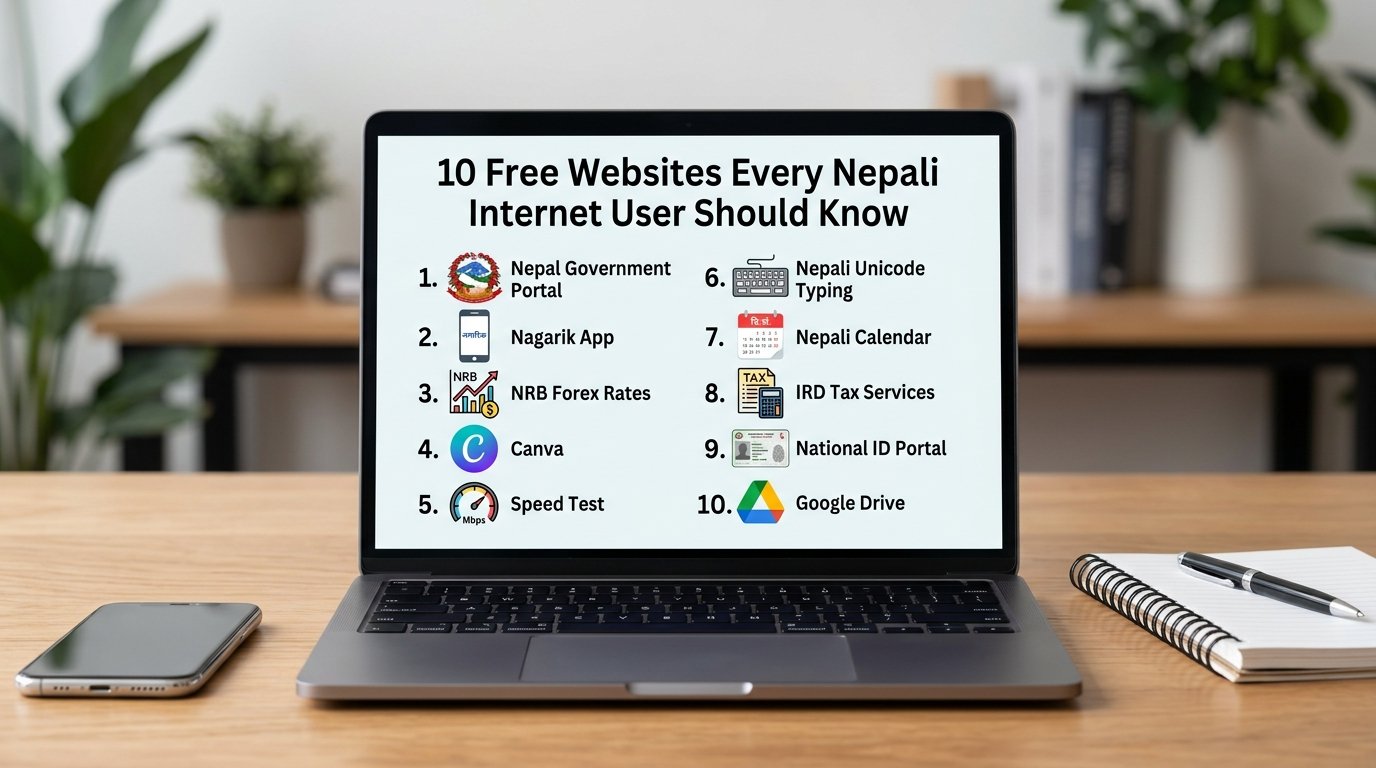
Here are 10 free and useful websites every Nepali internet user should know.
1. Nepal Government Portal
The official Nepal Government Portal serves as a one-stop solution for all your government-related queries and procedures.
The portal provides you with a list of services including passport and National ID, tax and PAN, land records, driving licences, Lok Sewa, company registration, and more.
If you are looking to access any official government service in Nepal, your best bet is to always visit the portal first before searching any other random websites.
Visit Nepal Government Portal
2. Nagarik App
Nagarik App is a government digital-service platform that all government related public services for the citizens of Nepal.
The app can help you gain access to various online based government services that previously required you to visit the relevant office for any procedures.
Nagarik App is also included in the list of citizen services provided by the Nepal Government Portal mentioned above.
Visit:Nagarik App
3. Nepal Rastra Bank – Foreign Exchange Rates
Looking for the latest USD to NPR exchange rates or Indian Rupee exchange rates, or Euro and Pound rates?
The official website of Nepal Rastra Bank (NRB) publishes all the foreign exchange rates.
The bank also mentions that the rates may vary in different banks and can be different than the open-market rates published by NRB.
Check our Nepal Exchange Rates page for an easier access to exchange rate information.
4. Canva
Looking to design or make a poster, presentation, social media post, CV or graphic?
With Canva you can choose from a wide range of free templates and online graphic design tools to create amazing designs without having to have any graphic-designing skills.
Visit: Canva
5. Speed Test
Need to know how fast your internet connection is?
An online Internet Speed Test will tell you download speed, upload speed, latency and more. In addition, you can also test your broadband connection speed with
our free Internet Speed Test
6. Nepali Unicode Typing
Looking to type in Nepali language? An online Nepali Unicode Typing tool can help. You can type in Nepali language using Romanized English letters and convert them to Nepali Unicode. There is no need to install any special keyboard.
Try it: Nepali Unicode Typing
7. Nepali Calendar
Looking to check Bikram Sambat date, festivals, public holidays or convert Nepali to English date or vice versa?
An online Nepali Calendar is a must-have tool to have on your fingertips.
8. Inland Revenue Department – Tax Services
The Inland Revenue Department’s website is the one-stop source for taxpayers, businesses, freelancers, employees, and others seeking to utilize tax services in Nepal.
It provides access to services and information related to the taxpayer portal, PAN, tax clearance, tax calculation, tax rates, and other tax services.
Visit: Inland Revenue Department
9. National ID Citizen Portal
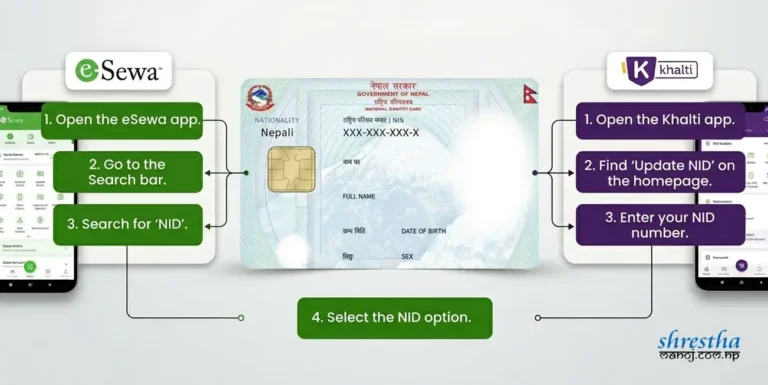
The official National ID Citizen Portal is helpful in tracking the status of your National Identity Card application and accessing eNID related services.
Currently, the portal provides an option to check the NID application status and download eNID using the required citizenship details.
So if you already applied for a National Identity Card, make sure to bookmark the official portal and track your application whenever needed.
Check it out: National ID Citizen Portal
10. Google Drive
Google Drive is a free cloud-storage service that may be beneficial for students, employees, businesses, and everyday internet users alike.
It can be used to store and access documents, PDFs, photos, presentations, and other files from any device.
Moreover, Google Drive is great for sharing files with colleagues, classmates, friends, or clients.
For instance, instead of saving your important documents in a USB drive, you can now save them in Google Drive and keep accessing them anywhere you go as long as there is internet connection.
Visit: Google Drive